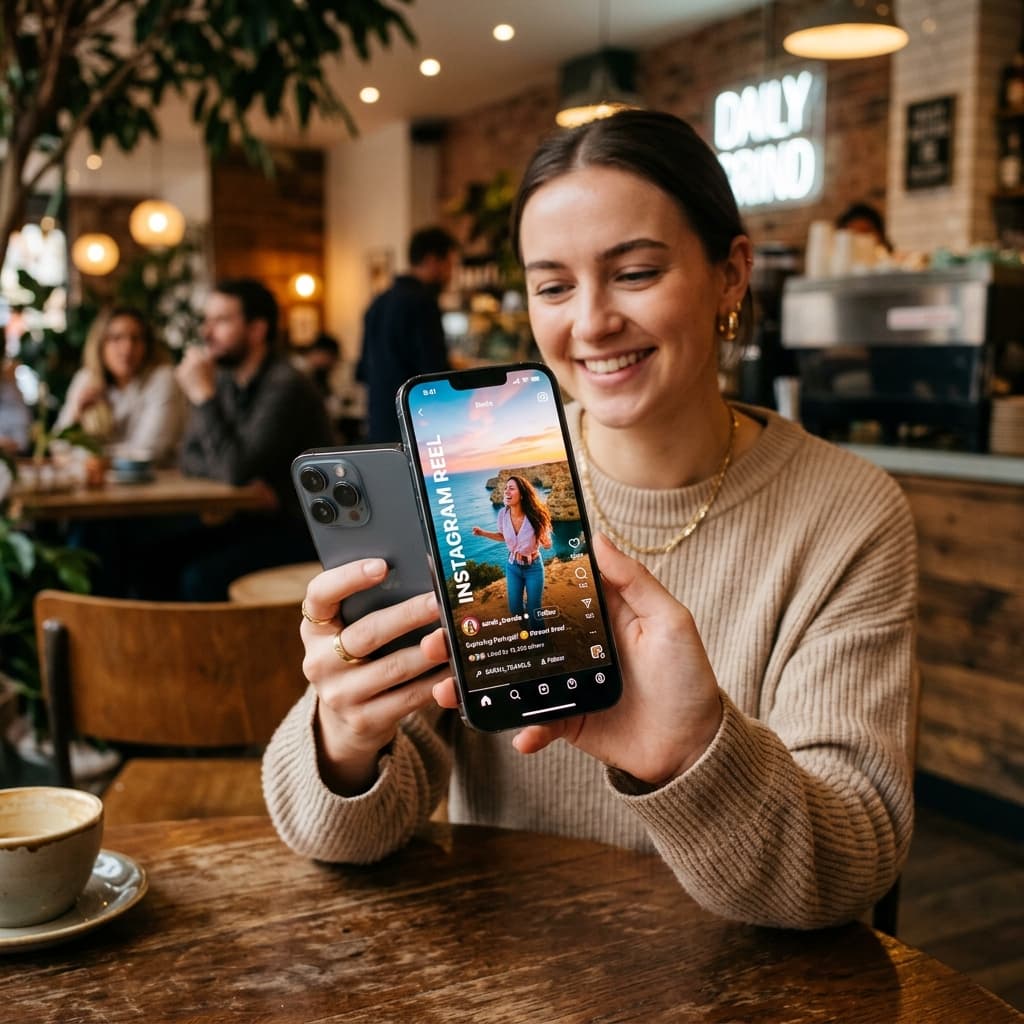
How to Download Instagram Reels Without Any App in 2026
The Rise of Instagram Reels
Instagram Reels have completely transformed how we consume content. From quick recipes and DIY hacks to hilarious comedy skits and travel vlogs, Reels offer a never-ending stream of entertainment. But what happens when you find a Reel that you absolutely must save? Maybe you want to watch it later when you have no internet connection, or perhaps you want to share it in a WhatsApp group without forcing your friends to open the Instagram app.
Why You Shouldn't Use Sketchy Apps
If you search the App Store or Google Play Store for "Reels Downloader", you will be bombarded with thousands of results. While some might work, the vast majority come with significant drawbacks:
- Privacy Risks: Many of these apps require you to log in with your Instagram credentials. This is a massive security risk and can lead to your account being hacked, shadowbanned, or permanently disabled by Instagram.
- Intrusive Advertisements: Free apps need to make money somehow, and they usually do this by spamming you with unskippable video ads every time you try to download a video.
- Hidden Subscriptions: Some apps lure you in for free and then lock the actual downloading feature behind a weekly or monthly paywall.
- Malware and Device Slowdown: Poorly coded apps can consume your battery in the background and track your data.
The Ultimate Solution: Web-Based Downloaders
The safest, fastest, and most efficient way to download an Instagram Reel in 2026 is by using a dedicated web-based tool like AllVidSave. Because it runs entirely in your browser (Safari, Chrome, Firefox, or Edge), you don't need to install anything. It works seamlessly across iPhones, Android devices, Macs, and Windows PCs.
Step-by-Step Guide to Downloading Reels Without an App
Follow these simple steps to save any public Reel directly to your device's camera roll or downloads folder in seconds:
Step 1: Locate the Reel on Instagram
Open the Instagram app on your phone or go to Instagram.com on your computer. Scroll until you find the Reel you want to keep. Note that the account posting the Reel must be public; private account videos cannot be downloaded without logging in, which we strongly advise against.
Step 2: Copy the Video Link
On the right side of the Reel, you will see a series of icons (Like, Comment, Share). Tap the Share icon (it looks like a paper airplane). A menu will pop up. Look for the button that says Copy Link and tap it. The link is now saved to your clipboard.
Step 3: Paste the Link into AllVidSave
Open your preferred web browser and navigate to AllVidSave.online. You will see a large, clear input box at the top of the page. Tap and hold inside the box (or right-click if on a PC) and select Paste. The Instagram link should now populate the field.
Step 4: Hit Download
Click the prominent download button next to the input field. The tool will take a few seconds to communicate with Instagram's servers and fetch the video file in its original, uncompressed quality. A new button will appear offering you the MP4 file.
Step 5: Save to Camera Roll (For iPhone Users)
If you are on an Android or PC, the video will automatically save to your Downloads folder. If you are on an iPhone using Safari, tapping download will open the video in a new tab or prompt a download to your iCloud/Files app. To move it to your Camera Roll:
- Tap the blue arrow icon in the Safari address bar and select Downloads.
- Tap the video you just downloaded.
- Tap the Share icon in the bottom left corner.
- Scroll down and select Save Video. The Reel is now in your Photos app!
Why AllVidSave is the Best Choice
There are several web downloaders out there, but AllVidSave is built with the user in mind. It uses cutting-edge fetching algorithms to ensure you get the video without any annoying watermarks. It respects your privacy by never asking for a login and automatically deleting download logs. Next time you see a Reel you love, skip the app store and head straight to the browser.